
CINEBIT
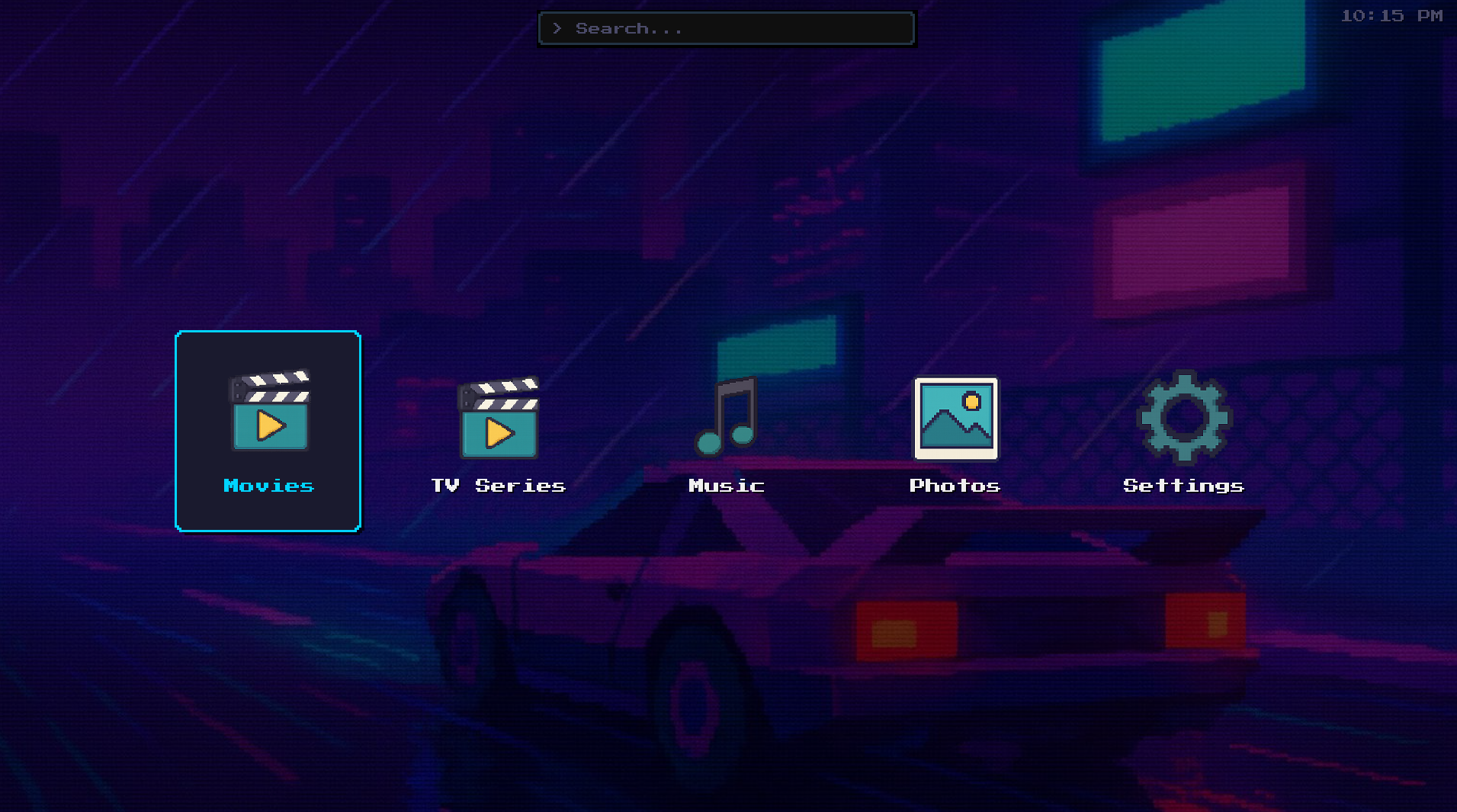
A local-first media center for your movie collection. Browse, organize, and play your locally stored films, TV shows, music, and photos.
What's New in v1.1.0
- Movie and TV Show Information now displays correctly with posters, descriptions, cast, and ratings on Windows and Linux versions.
- USB Drive Detection now automatically recognizes removable drives plugged in after system startup and displays them as quick-access buttons in the media library browser.
- Performance Improvements make navigating large movie libraries with arrow keys significantly faster, especially on devices like Raspberry Pi.
- Setup Wizard no longer freezes the screen during WiFi scanning, running the scan in the background instead.
- Security Enhancements protect your TMDb API key by embedding it securely in the application and allow you to provide your own API key to avoid rate limits.
ABOUT CINEBIT
CineBit is a media center built for people who own their content. Point it at your local collection and browse your films, TV series, music, and photos with rich metadata, posters, and descriptions pulled from TMDb. No streaming subscriptions, no cloud dependency — your media, your machine.
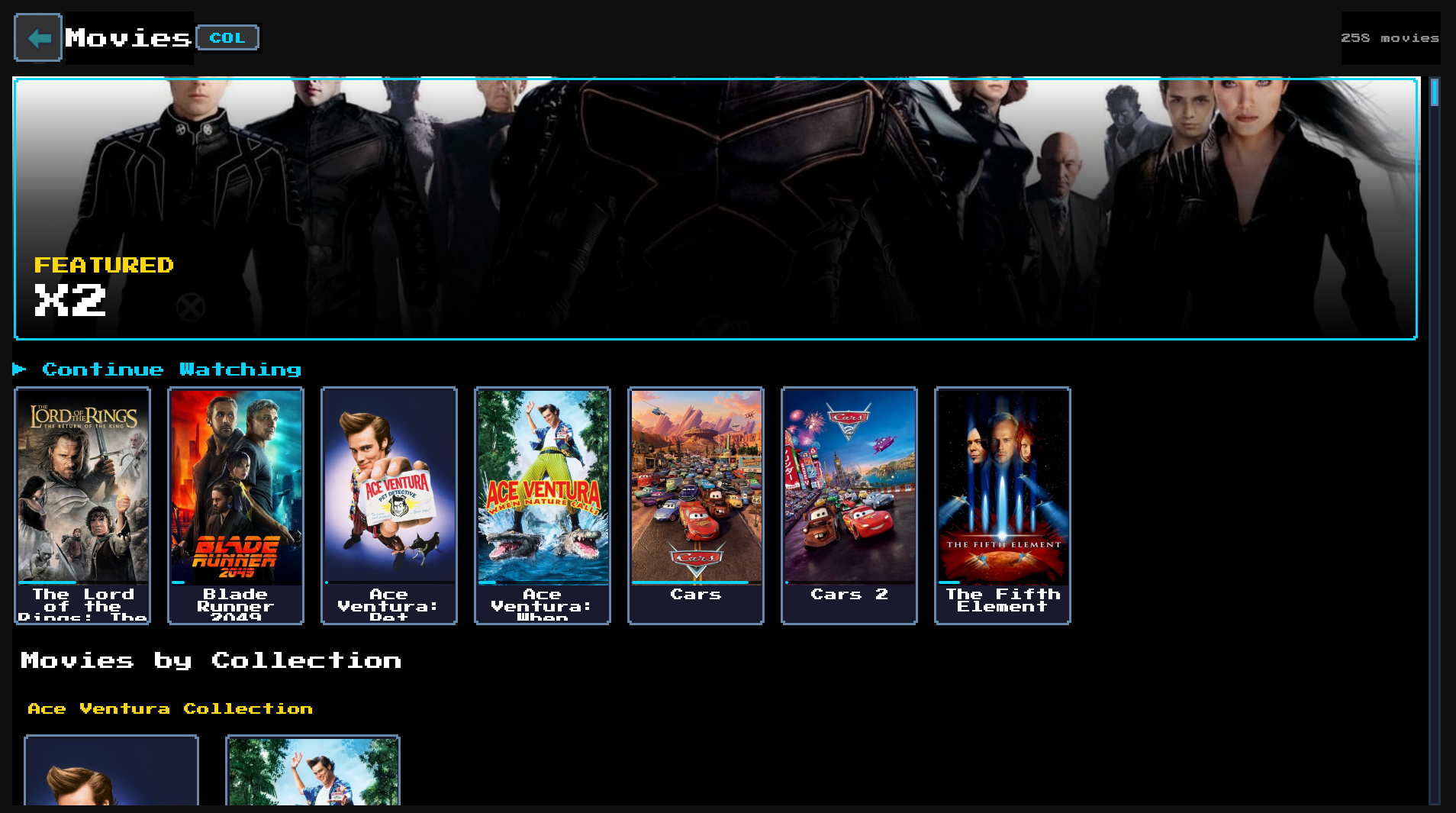
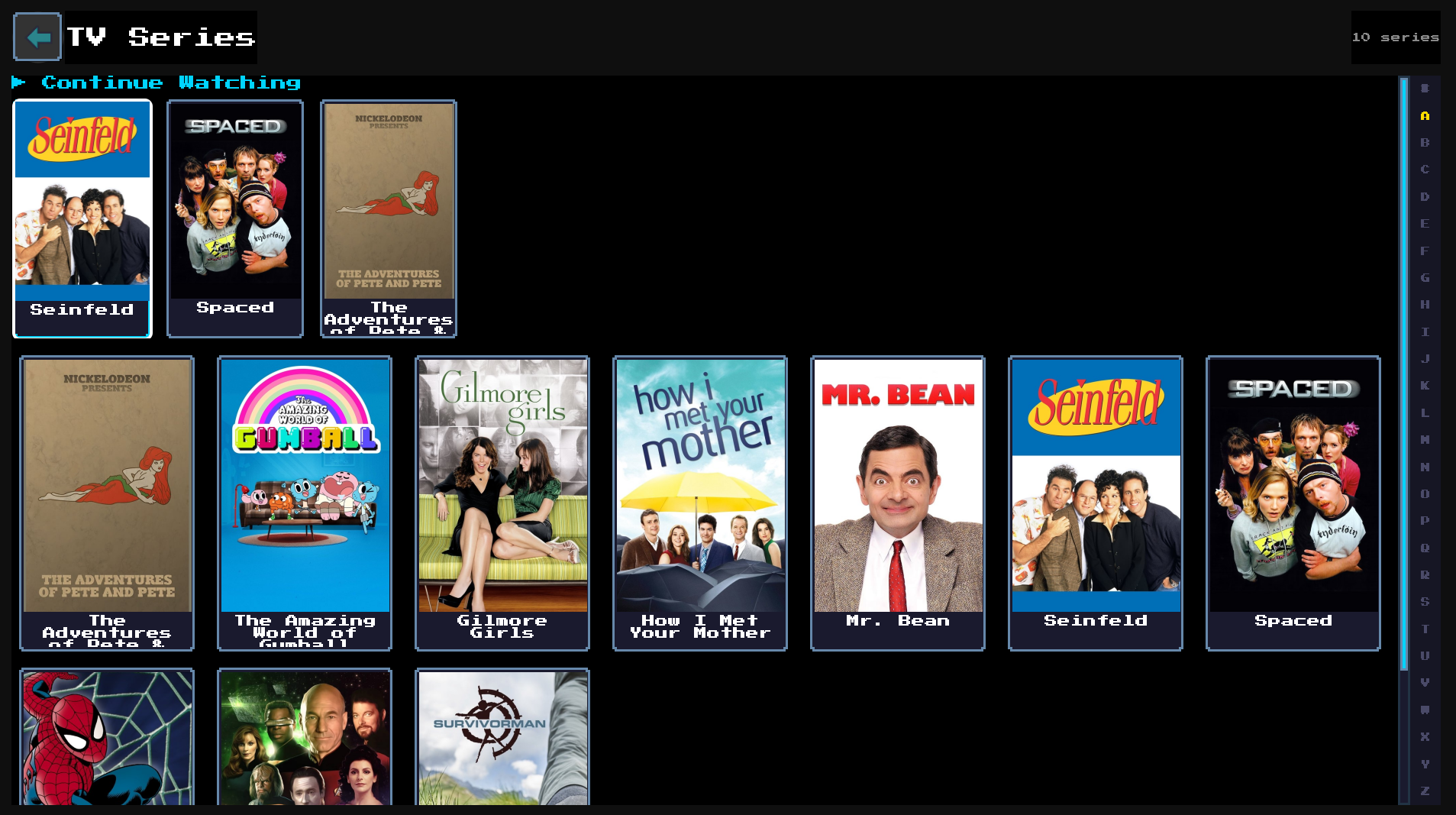
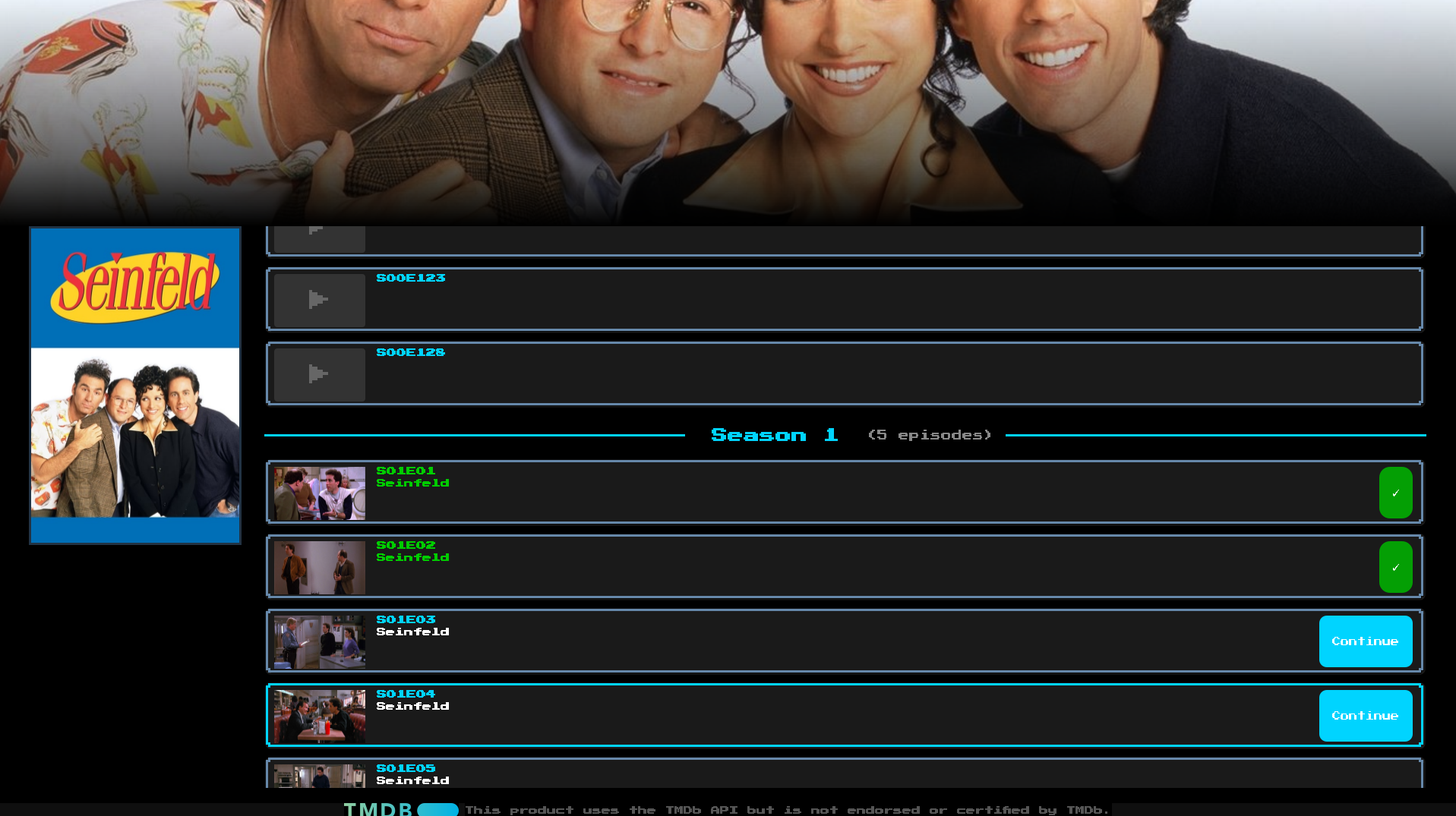
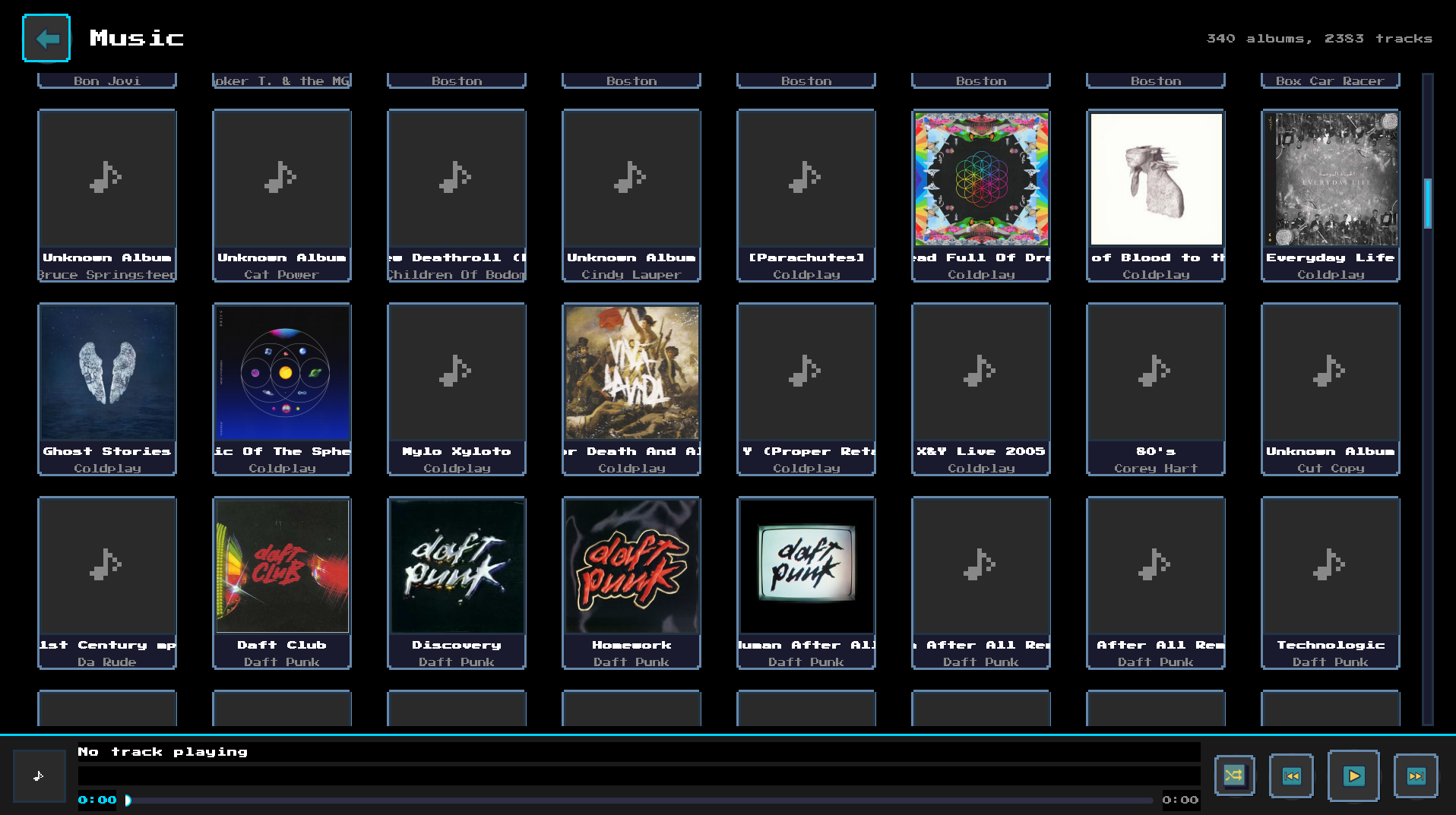
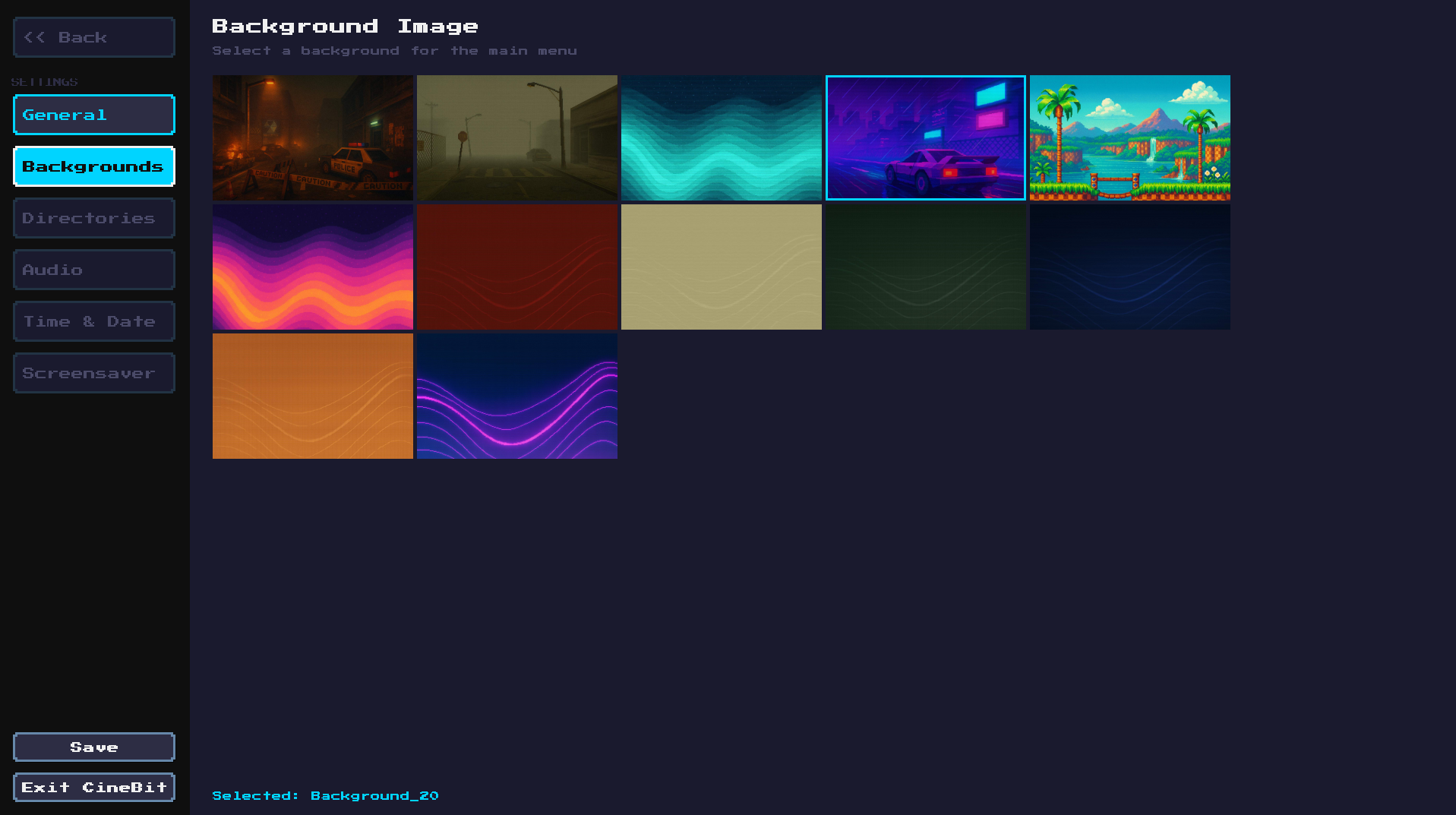
- Movies & TV Shows with automatic TMDb metadata, posters, and cast info
- Music player with album art, shuffle, and background playback
- Photo gallery with slideshow mode
- Built-in video player powered by VLC
- Edit metadata manually or search TMDb for corrections
- Continue Watching — pick up right where you left off
- No streaming, no subscriptions — plays files you already own
STEAM DECK COMPATIBLE
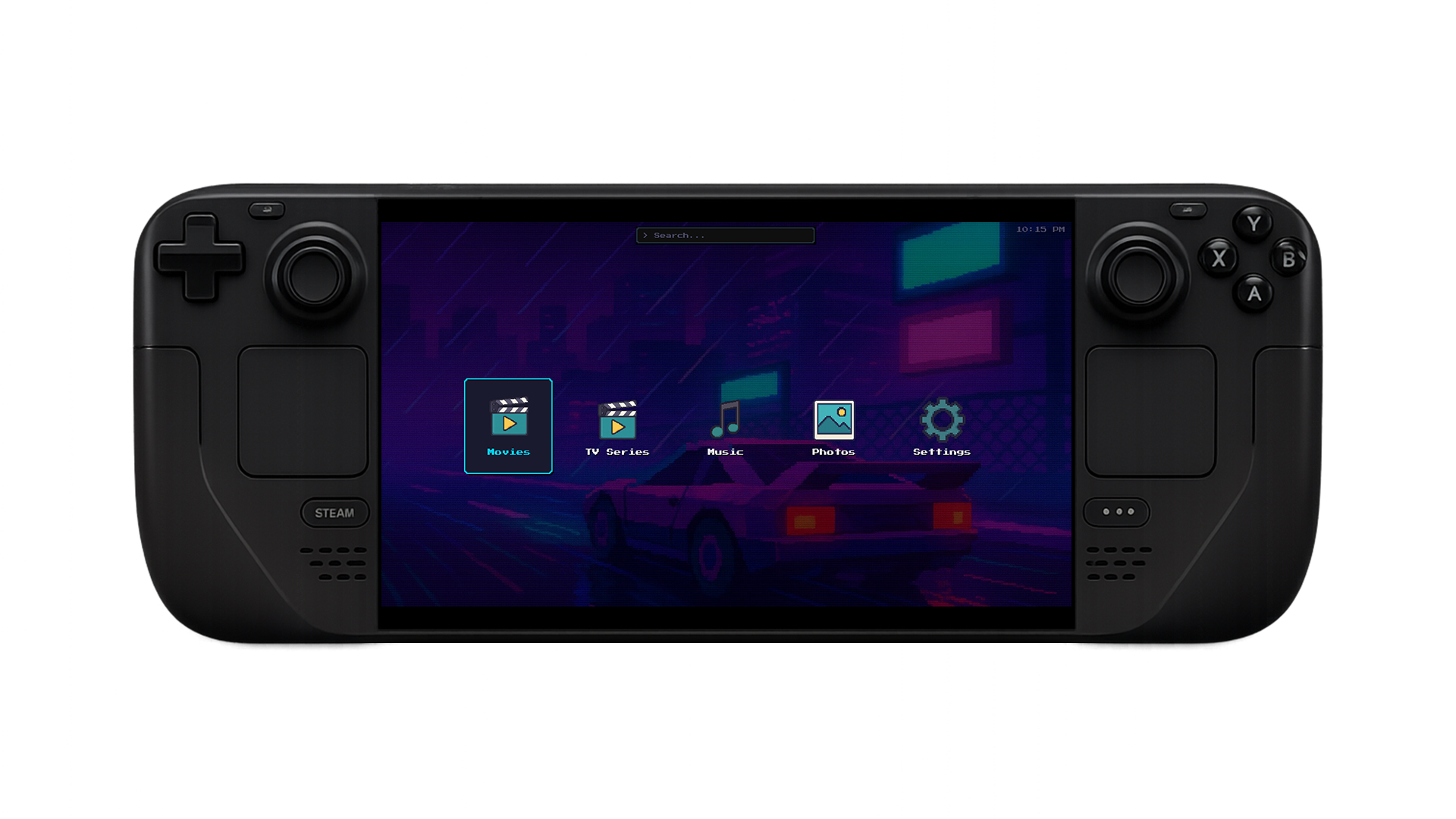
CineBit runs natively on the Steam Deck in Game Mode. Full controller support with D-pad navigation, rumble feedback, and an on-screen keyboard. Resolution scaling adapts automatically to the Deck's 800p display. Add CineBit as a non-Steam game and it works seamlessly alongside your game library.
- Full gamepad support — Xbox, PlayStation, Nintendo, and Steam Deck controls
- D-pad navigation, A/X to select, B/O to go back
- Nintendo button layout option (swaps confirm/cancel)
- On-screen keyboard for search and text input
- Auto-scaling from 720p to 4K
- Sleep/screensaver inhibition during video playback
- Rumble/haptic feedback on supported controllers
RETRO BY DESIGN
CineBit has a 16-bit retro visual aesthetic throughout. Custom pixel art icons, a DVD-logo bouncing screensaver, and a clean interface designed for couch use with a controller or remote.
This product uses the TMDb API but is not endorsed or certified by TMDb.
FAQ
Does CineBit require a server or cloud account?
No. CineBit is fully local and plays media stored on your machine. No server setup required.
Does CineBit work on the Steam Deck?
Yes. CineBit runs natively on Steam Deck in Game Mode with full controller support.
Where does CineBit get movie metadata?
CineBit fetches metadata, posters, and cast info automatically from TMDb.
YOU MIGHT ALSO LIKE

Retro game launcher with Steam, GOG, and Proton integration.

Fast, lightweight RAW image editor for photographers.